
Constellations
A Constellation represent your system and its changes through time.
Revision History
Section titled “Revision History”A Constellation consists of revisions, each of which contains a stamp, hash, and a set of nodes. Each node contains some general data (name, description, etc.), a version, and a status. When we refer to a Constellation, we usually refer to the latest (current) revision in a Constellation; unless the Constellation as a whole is explicitly referred to. A new revision is created whenever anything is changed in a Constellation (e.g. a node’s name or version). Following is a diagram showing how a revision can contain any change from the previous revision:
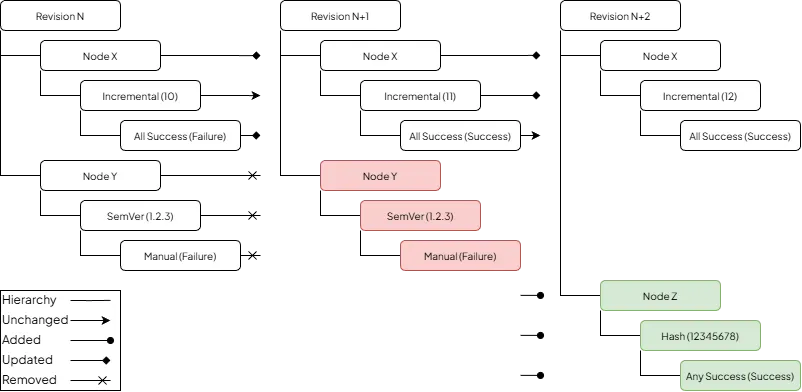
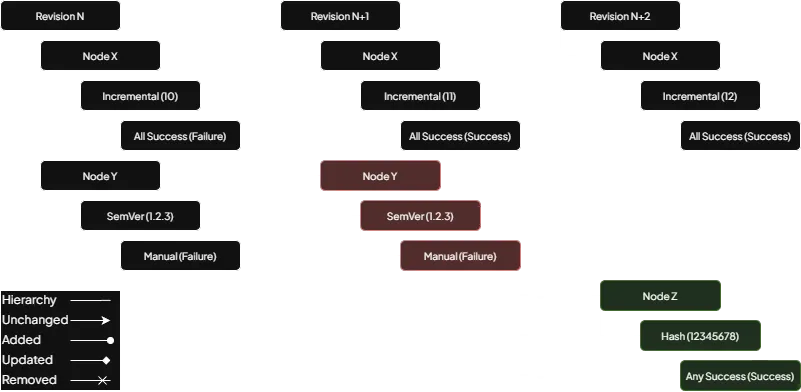
Revision history (added data colored green, removed data colored red)
Read more about revisions here.
Node History
Section titled “Node History”When listing a node’s history it will be viewed as a hierarchy of changes, where
- each structure (everything except version value and status result) change is listed and leads to new versions and statuses; and
- each version (only counting version value, not version schema) change is listed and leads to new statuses; and
- each status (only counting status result, not status strategy) change is listed
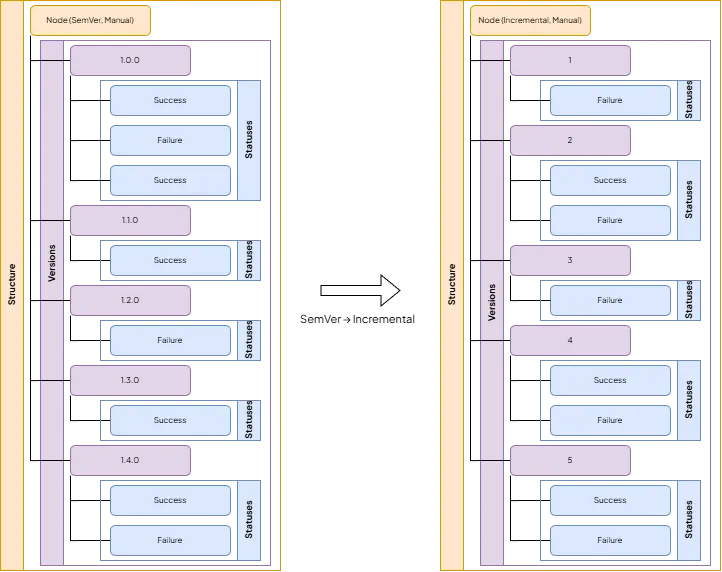
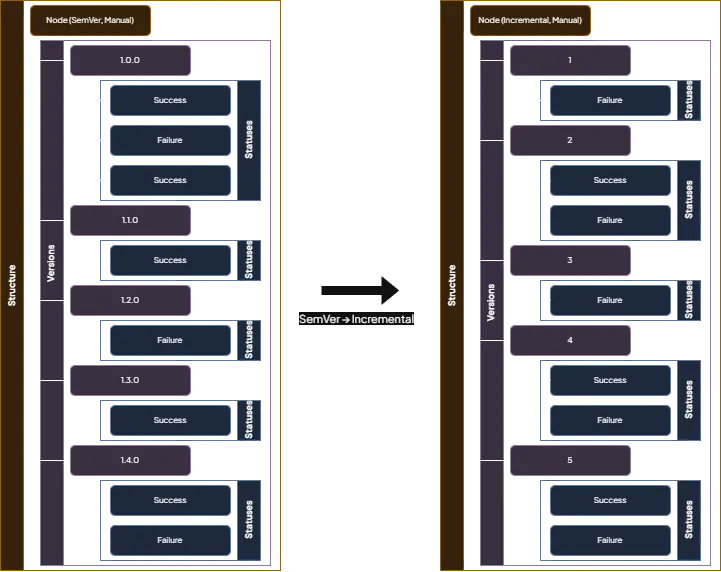
Node history
Read more about nodes here.
Terminology
Section titled “Terminology”Revisioning
Section titled “Revisioning”Revisioning your Constellation can be done in multiple ways, such as:
- Adding a node
- Updating a node
- Removing a node
- Changing a set of nodes
- Bumping a node’s version
- Updating a node’s status
- Varianting
- Syncing
- Restoring
Changing
Section titled “Changing”Includes making any change to the Constellation, such as adding, updating, and removing one or multiple node(s), among other actions.
Adding
Section titled “Adding”Only refers to adding one or multiple node(s).
Updating
Section titled “Updating”Refers to updating one or multiple node(s). Can also refer to updating a node’s version or status.
Removing
Section titled “Removing”Only refers to removing one or multiple node(s).
Bumping
Section titled “Bumping”Refers to updating a node’s version but with added contextual clues. For example, updating a node with the SemVer
version schema can only be done with a valid SemVer version value (e.g. 1.2.3). However, bumping a node with a
SemVer version schema can also be done with other keywords, e.g. patch. Read more
here.
Diffing
Section titled “Diffing”Diffing refers to getting the difference (or diff) of something between two revisions. The diff can be of an entire revision, a set of nodes, or a single node.
Varianting
Section titled “Varianting”Refers to varianting a node. Read more about variants here.
Syncing
Section titled “Syncing”Refers to syncing the Constellation when performing changes. Read more about syncing here.