
Statuses
Statuses are made up of a strategy and a result. Depending on what a node represents (e.g. an API or tests)
statuses can indicate various things. For example, a node with a successful status that’s representing a test can show
that the last test run was successful. An API node can show the health of the API. Or the status can be left as is and
not changed if it does not relate to what the node represents (e.g. a document). Statuses can have a result of either
Success or Failure.
Propagation
Section titled “Propagation”Updating a node’s status result will in most cases propagate the status result update “upwards” through the tree, from the target node to the root node. What follows is an illustration of how propagation works when updating a node’s status result. The figures show:
- No status result update is performed.
- Node A’s status result is updated, no other node status results are updated.
- Node B’s status result is updated, node A’s status result is also updated.
- Node C’s status result is updated, node A’s status result is also updated.
- Node D’s status result is updated, node A’s and B’s status results are also updated.
- Node E’s status result is updated, nodes A’s and B’s status results are also updated.
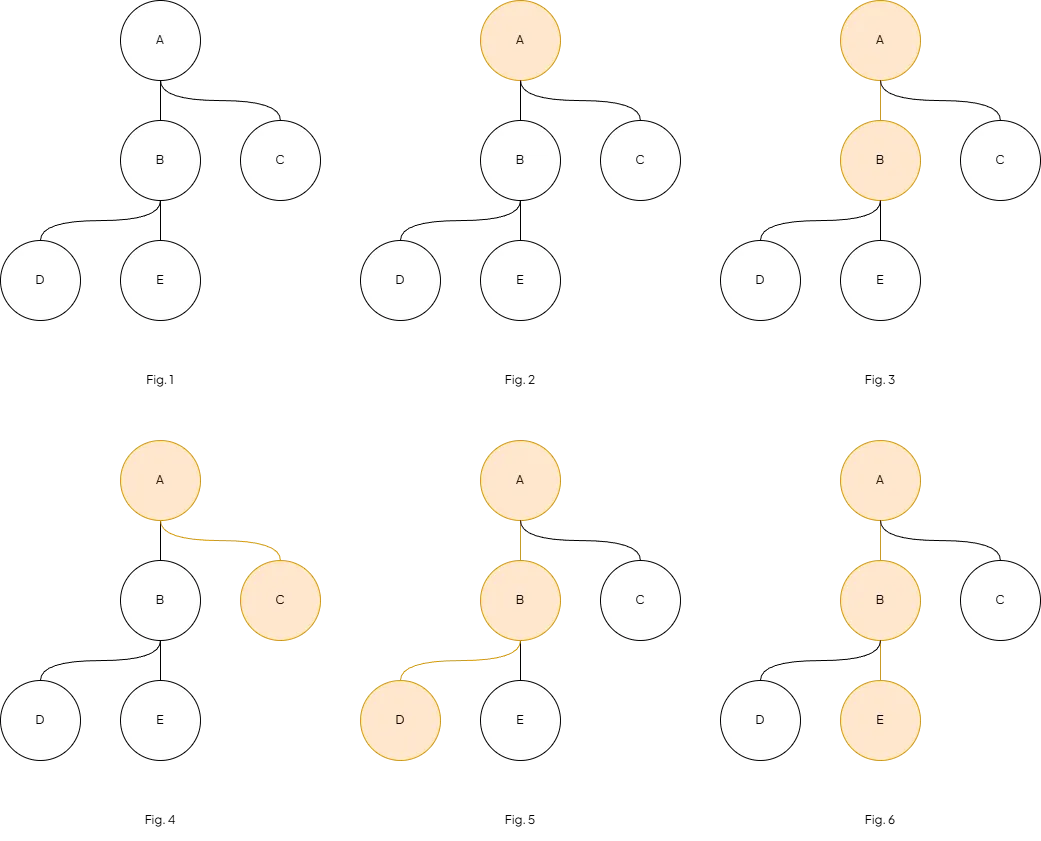
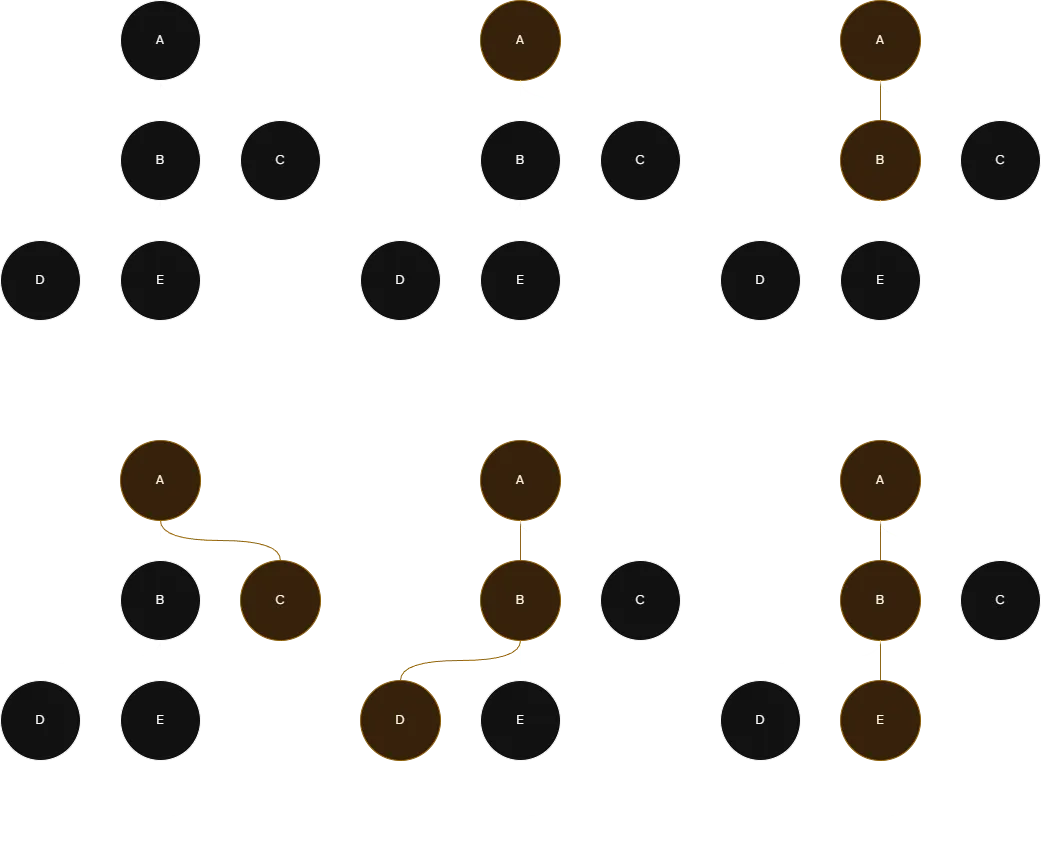
Propagation when updating node status results (colored orange)
Manual
Section titled “Manual”The Manual strategy can only be changed manually and any nodes that have the Manual strategy can’t have any
children. The following Constellation (figure 1) has three nodes. By updating the status result of node C from
Failure to Success, the root node (A) then fulfills its strategy (All Success) and calculates its result to
Success (see figure 2).
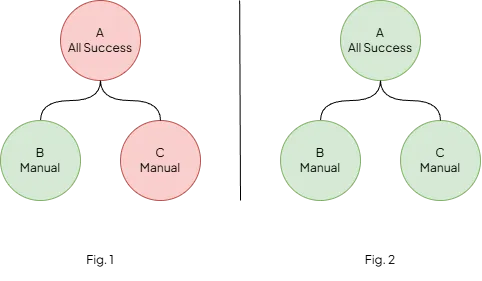
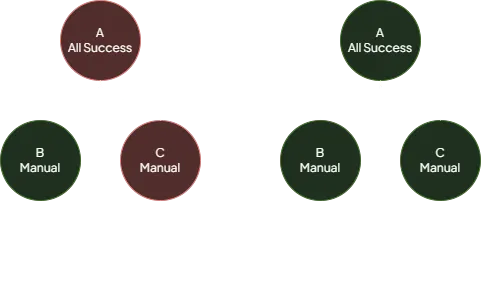
Updating a Manual status node (Success colored green, Failure colored red)
All Success
Section titled “All Success”The All Success strategy will calculate the result to Success only if all child nodes have their status result
equal to Success, otherwise it will be Failure. Imagine the following Constellation (figure 1) where the root node
(A) has the All Success strategy and Success result due to both child nodes (B and C) having the Success
result. In the next figure, 2, node C’s result is changed to Failure which propagates the status change upwards to
node A and causes it to recalculate its result to Failure.
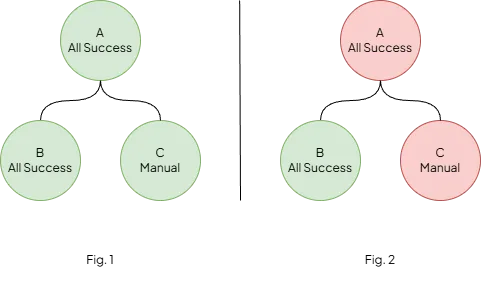
Updating an All Success status node (Success colored green, Failure colored red)
Any Success
Section titled “Any Success”The Any Success strategy will calculate the result to Success if any child nodes have their status result equal to
Success, otherwise it will be Failure. Imagine the following Constellation (figure 1) where the root node (A) has
the Any Success strategy and Failure result due to no child nodes having the Success result. In the next figure,
2, node B’s result is changed to Success which propagates the status change upwards to node A and causes it to
recalculate its result to Success.
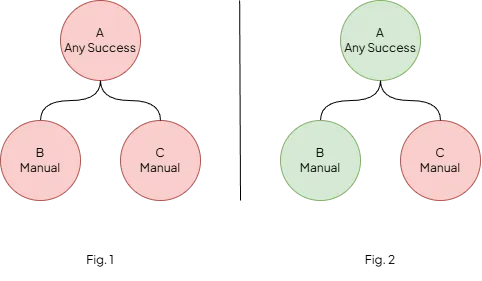
Updating an Any Success status node (Success colored green, Failure colored red)